

A crew of small AI worker bots you host yourself.
[](https://github.com/Moduletrace/cobble/actions/workflows/ci.yml)
[](LICENSE)
[](https://cobble.moduletrace.org)
[](https://bun.sh)
[Website](https://cobble.moduletrace.org) · [Install](#install) · [Features](#features) · [Development](#development) · [Architecture](AGENTS.md)
Cobble is a self-hosted crew of small AI worker bots. You get a coordinator
and a set of workers, each with its own job, models, memory and workspace.
They talk to you in one chat, share workspaces, run routines on a schedule,
and drive their own computers: Docker sandboxes with a browser, a terminal,
a code editor and a desktop that a bot can use and hand back to you when it
needs help.
It is an install, not a SaaS. One SQLite database, one Docker container, and
your data on your own machine.
**Why small workers instead of one big assistant**
- **A crew, not a chat.** Each worker has one job and only loads the context
for it. A five-bot crew does five things in parallel, and each one stays
cheap and focused.
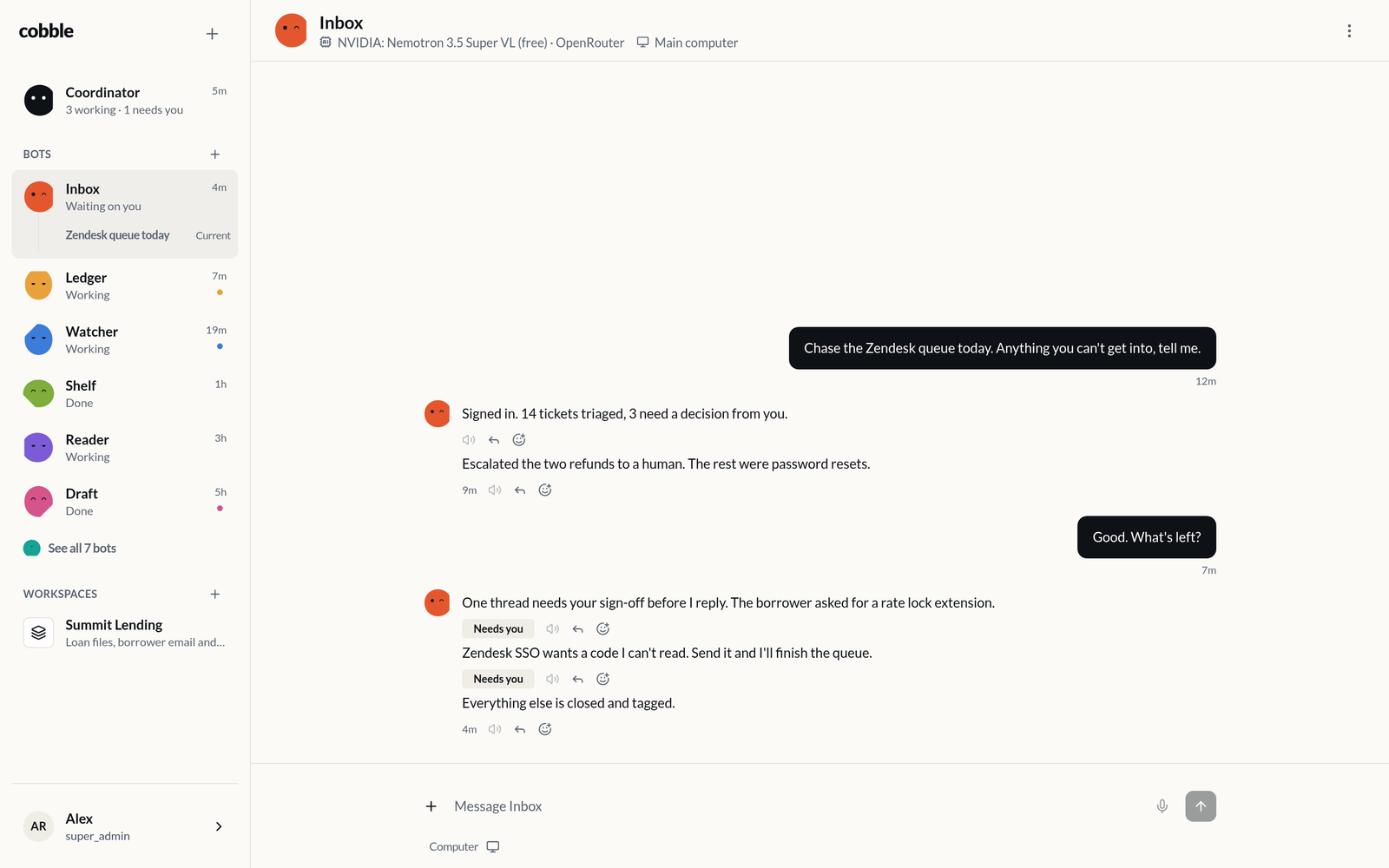
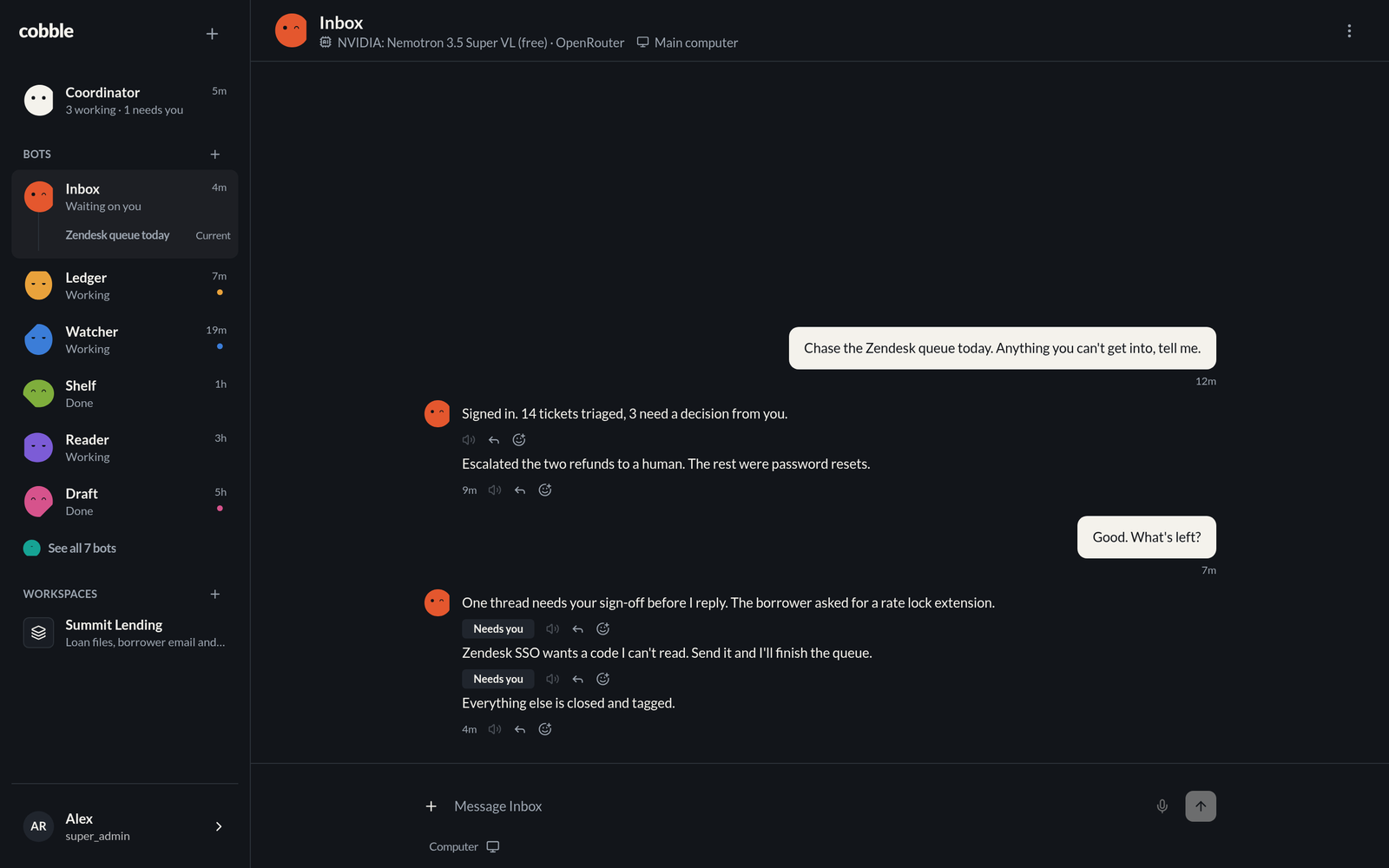
- **Bots you can see through.** The face on each stone is the status: idle,
working, done, asleep, needs you. You read the whole crew at a glance
instead of asking each one what it is doing.
- **Real computers.** Workers run on your own sandboxed machines, with
browser, terminal, files and desktop, not just a tool loop.
- **Yours.** Self-hosted, MIT, one SQLite file to back up, no account and no
per-seat billing.
## Features
| Area | What you get |
| ---------- | ---------------------------------------------------------------------------------------------------------------------------------------------------------- |
| Crew | One coordinator and as many workers as you need, each with a name, a role, a hue and its own core instructions |
| Rail | The coordinator, your recent workers and their latest sessions, then your workspaces, each row carrying its status line |
| Chat | Markdown with @-mentions for bots and #-mentions for workspaces, replies and quotes, reactions, attachments, older messages on scroll, drafts kept locally |
| Header | The bot's model, provider and computer at a glance, one click from either, and its picture, instructions and settings on the avatar |
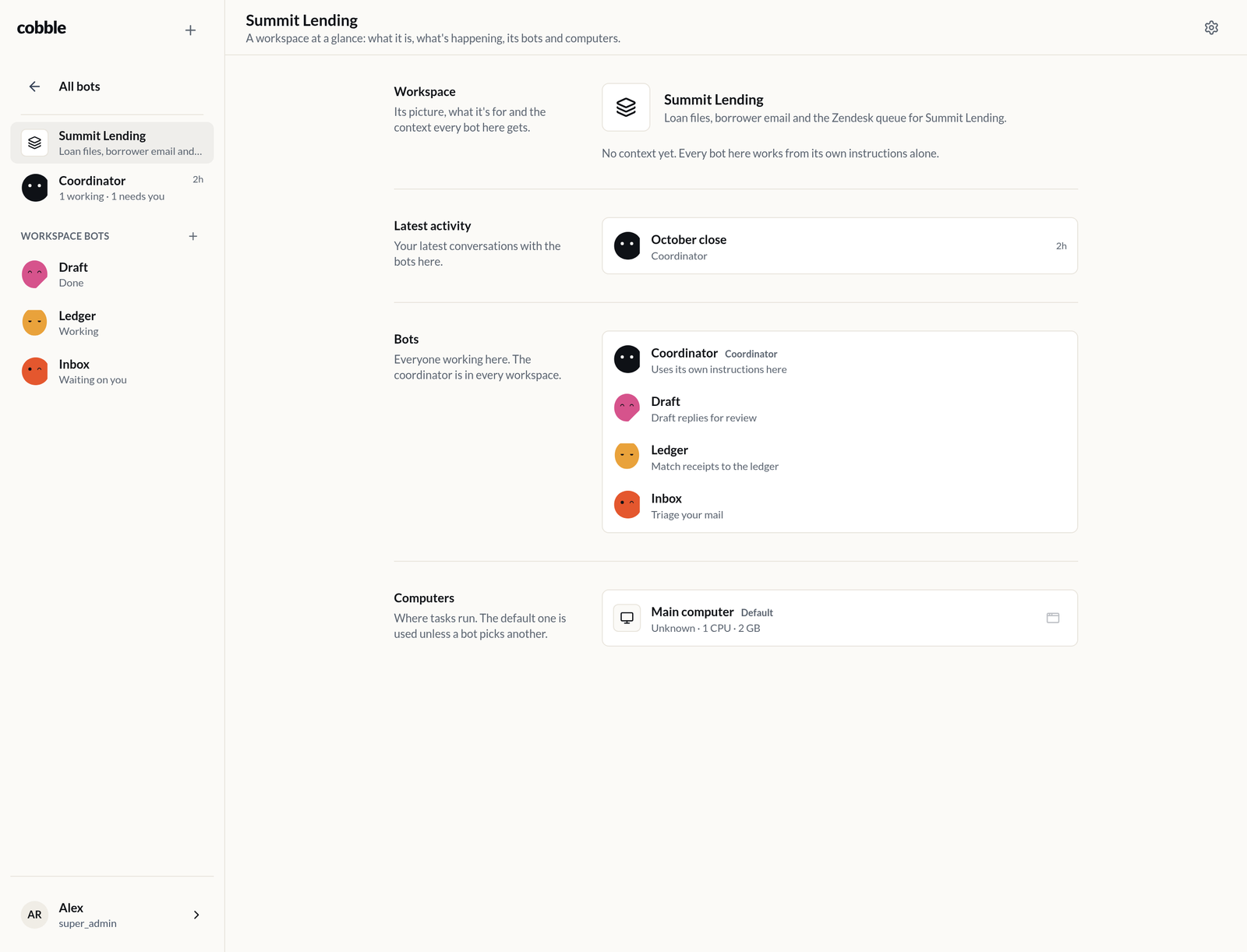
| Workspaces | A shared home for a group of bots: shared context, per-workspace instructions and memory, a default computer, and a dashboard |
| Memory | Each bot keeps core memory, memory about you, and workspace memory, and rewrites it as it works |
| Routines | Cron schedules per bot, written in chat, that queue a task on its own |
| Computers | Docker sandboxes with browser, terminal, code editor and desktop, opened from the chat and handed back to you mid-task |
| Files | Bots keep files on your data volume, search them by meaning, and attach the ones they make to a reply |
| Models | OpenRouter, OpenAI, Anthropic, Gemini, DeepSeek, Groq, Mistral, xAI, Ollama or any OpenAI-compatible server, per bot and per harness |
| Voice | Dictate into the composer, play any bot reply, with speech-to-text and text-to-speech models of your choice |
| Tools | Install your own MCP servers and custom HTTP, script or prompt tools, and give them to bots or workspaces |
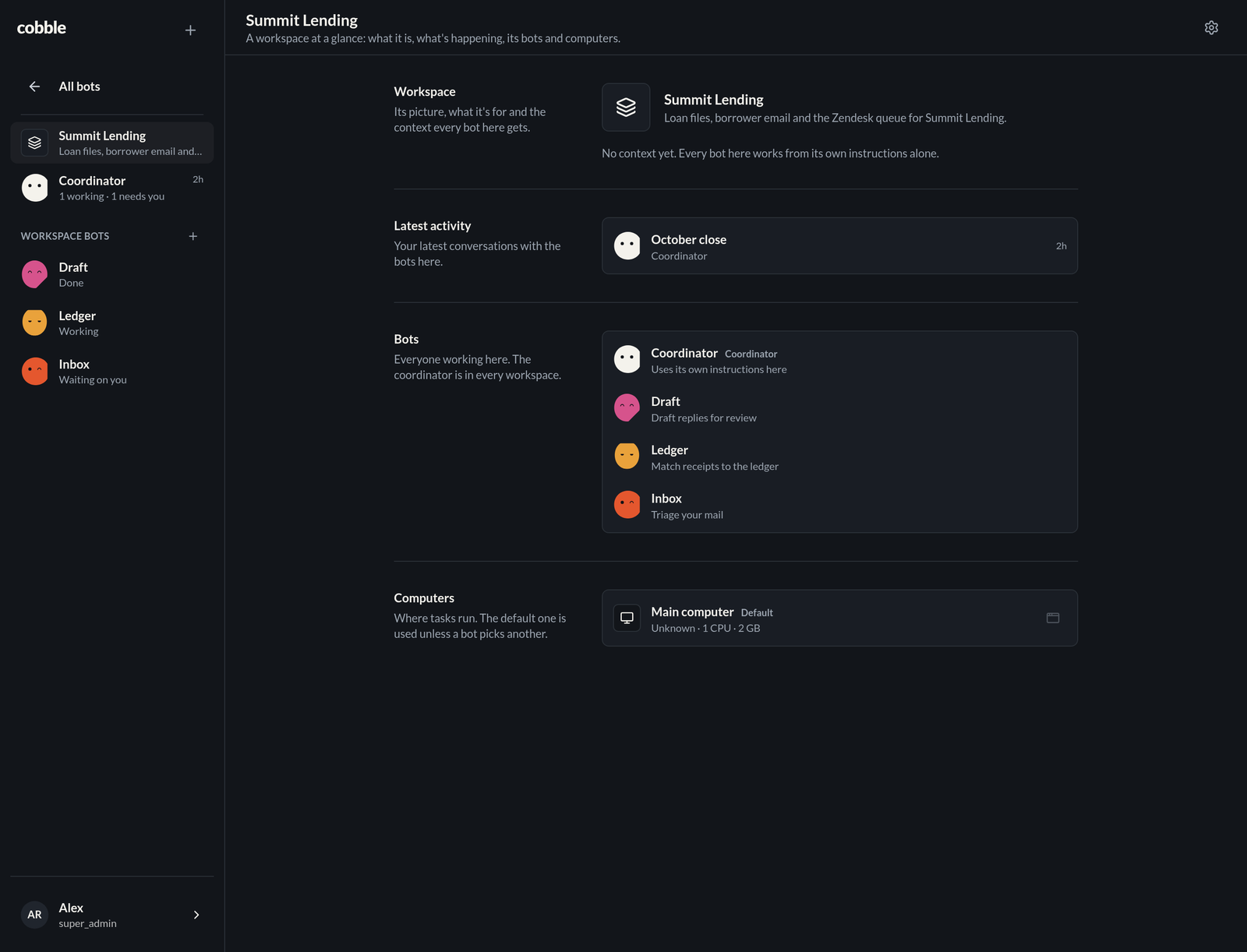
| App | Installable PWA with Web Push, dark mode, and a rail built for a phone |
## Screenshots
A workspace dashboard: what it is, its latest activity, the bots in it with
their instructions there, and its computers.
## Install
On a Linux machine with Docker (the installer adds Docker when it is
missing):
```bash
curl -fsSL https://url.moduletrace.com/cobble | sudo bash
```
The app serves plain HTTP on the port it prints, usually
`http://